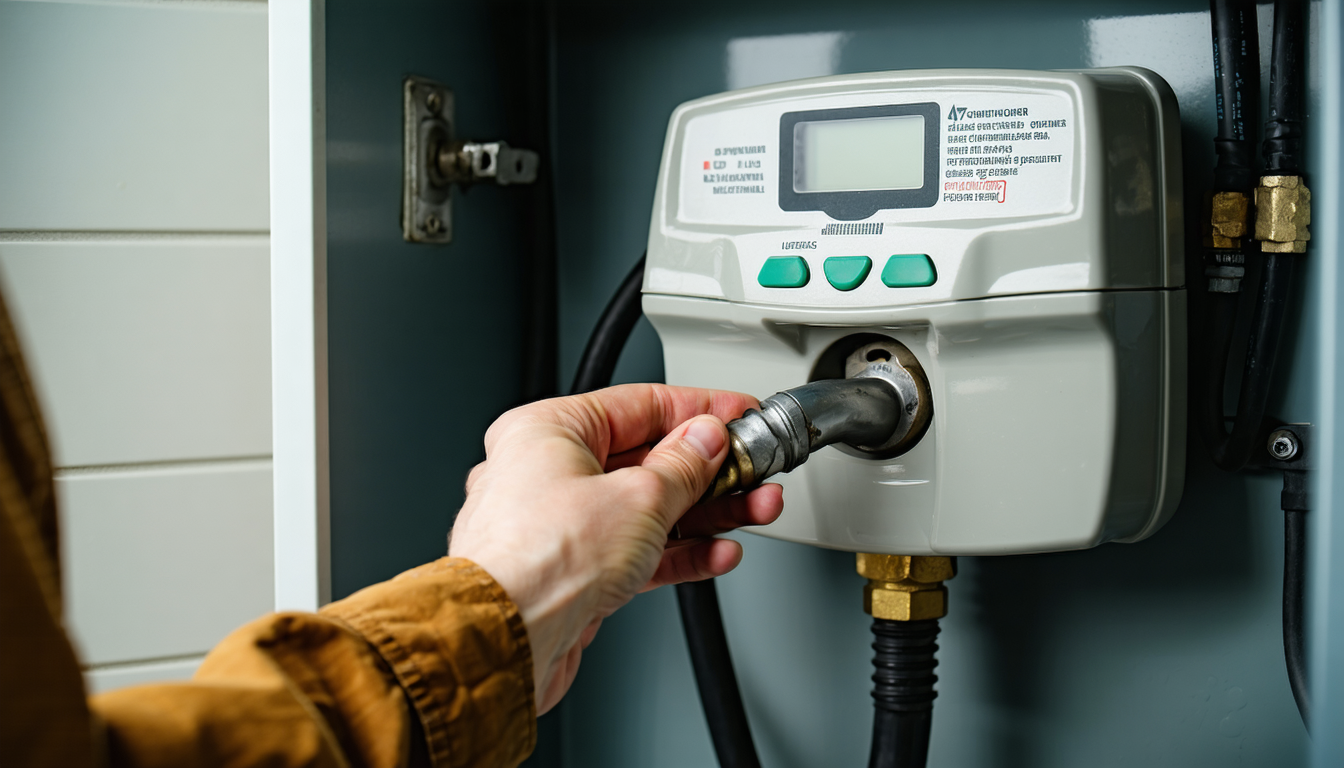
Reading your electricity meter sounds basic, but a surprising number of people have never actually done it. They rely on estimated bills or smart meter readings sent automatically. Knowing how to read it yourself means you can spot billing errors, track your usage week by week, and submit accurate readings to avoid paying for energy you haven't used.
Single-rate digital meters
This is the most common type if your meter was installed after 2000. It has a digital display showing a row of numbers (usually 5 digits). That number is your total electricity consumption in kWh since the meter was installed. Write down all the digits, including any leading zeros, but ignore anything after a decimal point or any numbers in red.
For example, if your meter shows 04521, you've used 4,521 kWh since it was fitted. To work out what you've used this month, compare today's reading to last month's. If last month it showed 04389, you've used 132 kWh in the past month. At 26.32p/kWh that's £34.74 in electricity, plus your daily standing charge of 54.83p x 30 days = £16.45. Monthly total: about £51.19.
Economy 7 (two-rate) meters
If you're on Economy 7 or Economy 10, your meter shows two readings: one for daytime (peak) usage and one for overnight (off-peak) usage. Some meters label these "Day" and "Night" or "Normal" and "Low". Others show them on alternating displays that cycle every few seconds. You might need to press a button to toggle between the two readings.
Record both numbers separately. Your peak rate is typically around 30p/kWh while off-peak drops to 10-12p/kWh. The off-peak hours are usually midnight to 7am, though the exact times vary by region and supplier. Running your immersion heater, washing machine, or storage heaters overnight can save 60% compared to daytime use.
To calculate your bill: (peak kWh used x peak rate) + (off-peak kWh used x off-peak rate) + (standing charge x days). So if you used 90 kWh peak and 45 kWh off-peak in a month: (90 x £0.30) + (45 x £0.12) + (30 x £0.5483) = £27.00 + £5.40 + £16.45 = £48.85.
Old dial meters
These have 5 or 6 circular dials, each with numbers 0-9. The dials alternate between clockwise and anticlockwise rotation. Read them from left to right. If a pointer is between two numbers, write down the lower one. If it's directly on a number, check the dial to its right: if that right-hand dial hasn't passed zero yet, drop down one number on the current dial.
It's fiddly but not complicated once you've done it a couple of times. If your reading doesn't seem right (say it's lower than last time), you've probably misread one of the dials. Try again, paying attention to the direction each dial rotates. These meters are gradually being replaced by smart meters through the national rollout, so you might not have one for much longer.
Smart meters
If you have a smart meter (SMETS1 or SMETS2), it sends readings to your supplier automatically. You don't strictly need to read it. But your In-Home Display (IHD) shows real-time usage in pounds and pence, which is far more useful for managing costs day-to-day.
The IHD shows your current usage rate (how much you're spending right now), today's total spend so far, yesterday's total, and this week's total. Some also show a traffic-light system: green when your usage is low, amber for moderate, red for high. If you can see your spend climbing past £3-4 per day on electricity alone, you're above average and might want to investigate which appliance is causing it.
To find the actual kWh reading on a smart meter (if needed for switching suppliers), press the menu button and navigate to "meter reading" or "import register." SMETS2 meters also show export readings if you have solar panels.
Calculating your bill from a reading
Here's the formula that applies to any single-rate meter:
- Take today's meter reading
- Subtract your previous reading (from your last bill or your last manual reading)
- The difference is your usage in kWh
- Multiply by your unit rate (26.32p for the standard cap tariff)
- Add the standing charge (54.83p per day x number of days in the period)
- Add VAT: gas is charged at 5%. Electricity has no VAT from 1 October 2026, and the Budget of 28 October 2026 extends that 0% rate to 30 June 2027, so the capped electricity rate is what you pay.
Worked example: your meter reads 12,450 today. Last month (31 days ago) it read 12,280. That's 170 kWh used. Cost: 170 x £0.2632 = £44.74. Standing charge: 31 x £0.5483 = £17.00. Total electricity bill: £61.74 (no VAT on electricity this period).
What if your bill seems too high?
First, check whether the bill is based on an actual reading or an estimate. Estimated bills (usually marked with an "E") are calculated from your historical usage and can be wildly inaccurate, especially if your habits have changed. Submit an actual reading through your supplier's app or website and they'll recalculate.
If the bill is based on a real reading and still seems high, compare your daily usage to averages. A medium-use household consumes about 6.8 kWh of electricity per day (2,500 kWh / 365). If you're using 12-15 kWh daily, something in your home is drawing a lot of power. Common culprits: immersion heaters left on 24/7 (costs £6.20/day at 3kW), old inefficient fridge-freezers, electric storage heaters with broken controls, or faulty thermostats on water heaters.
Our appliance running cost calculator can help you identify which devices are most likely responsible. Start with the high-wattage items and work down.
How often should you submit readings?
Monthly is ideal. It keeps your bills accurate and stops you building up debt (or credit) with your supplier. Most suppliers let you submit readings through their app in under 30 seconds. If you're on a prepayment meter, this doesn't apply since you pay as you go.
If you have a smart meter, readings are submitted automatically (usually daily or half-hourly). You don't need to do anything. But it's still worth checking your IHD regularly to spot unusual usage patterns before they become expensive surprises.
Gas meter readings
Gas meters work the same way as electric ones, but there's an extra conversion step. Gas meters measure volume in cubic feet (older meters) or cubic metres (newer ones). Your supplier converts this to kWh using a standard formula: reading x volume correction factor (1.02264) x calorific value (~39.5 MJ) / 3.6 = kWh. If your meter reads in cubic feet, they first multiply by 2.83 to convert to cubic metres.
You don't need to do this conversion yourself. Just submit the reading and your supplier handles the maths. But if you're checking a bill, roughly 1 cubic metre of gas equals 11.2 kWh. So if your gas meter advanced by 100 cubic metres in a month, you've used about 1,120 kWh of gas, costing 1,120 x 7.97p = £89.26 plus standing charges.